PROCURECULTURE
ProcureTech · AI buyer workflows
An independent buyer’s perspective
ProcureTech
Real prompts. Real workflows. Built for cannabis buyers.
Most cannabis buyers are still doing competitive research manually. Opening menus one by one. Searching vendor catalogs. Checking pricing changes. Trying to remember what changed since last week.
The goal isn’t to let AI make the buying decision for you. The goal is to get to the useful information faster, so you can spend more time actually evaluating the business.
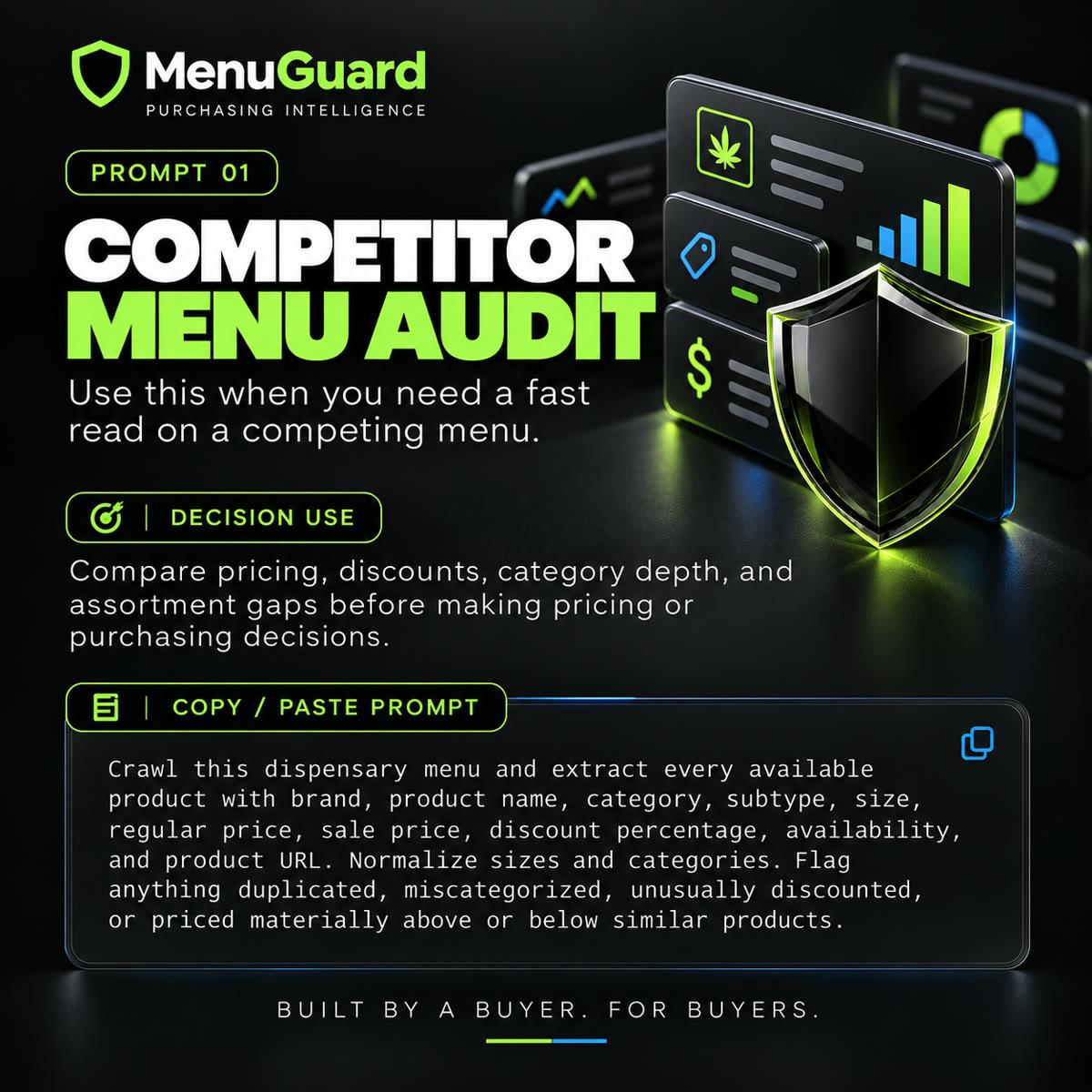
Competitor Menu Audit
The point isn’t to copy your competition. It’s to understand the market you’re buying into.
Use this when you need a fast read on a competing menu.
Decision use
Compare pricing, discounts, category depth, and assortment gaps before making pricing or purchasing decisions.
Crawl this dispensary menu and extract every available product with brand, product name, category, subtype, size, regular price, sale price, discount percentage, availability, and product URL. Normalize sizes and categories. Flag anything that appears duplicated, miscategorized, unusually discounted, or priced materially above or below similar products.
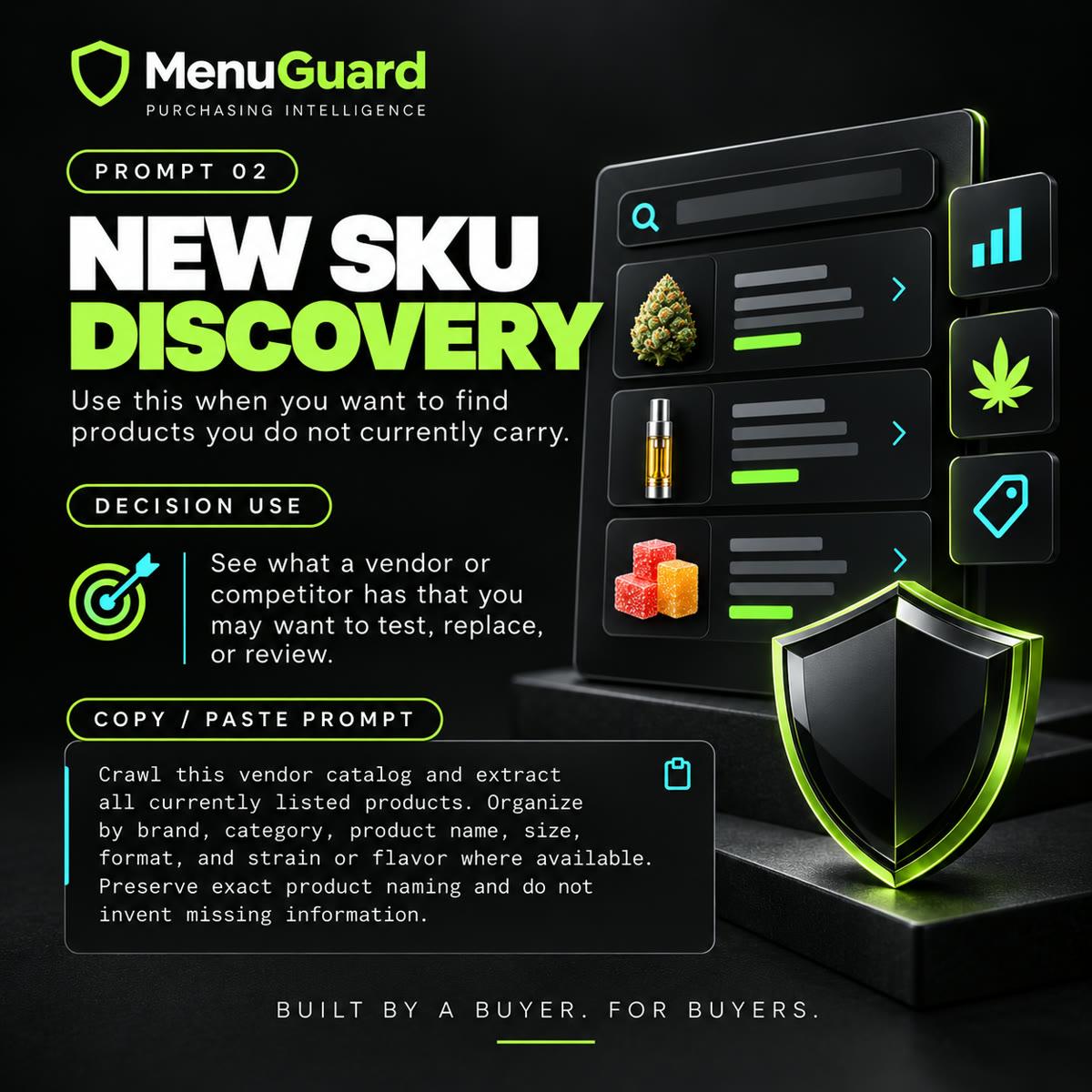
New SKU Discovery
One of the easiest ways to miss an opportunity is assuming you already know a vendor’s full lineup.
Use this when you want to find products you do not currently carry.
Decision use
See what a vendor or competitor has that you may want to test, replace, or review.
Crawl this vendor catalog and extract all currently listed products. Organize by brand, category, product name, size, format, and strain or flavor where available. Preserve exact product naming and do not invent missing information.
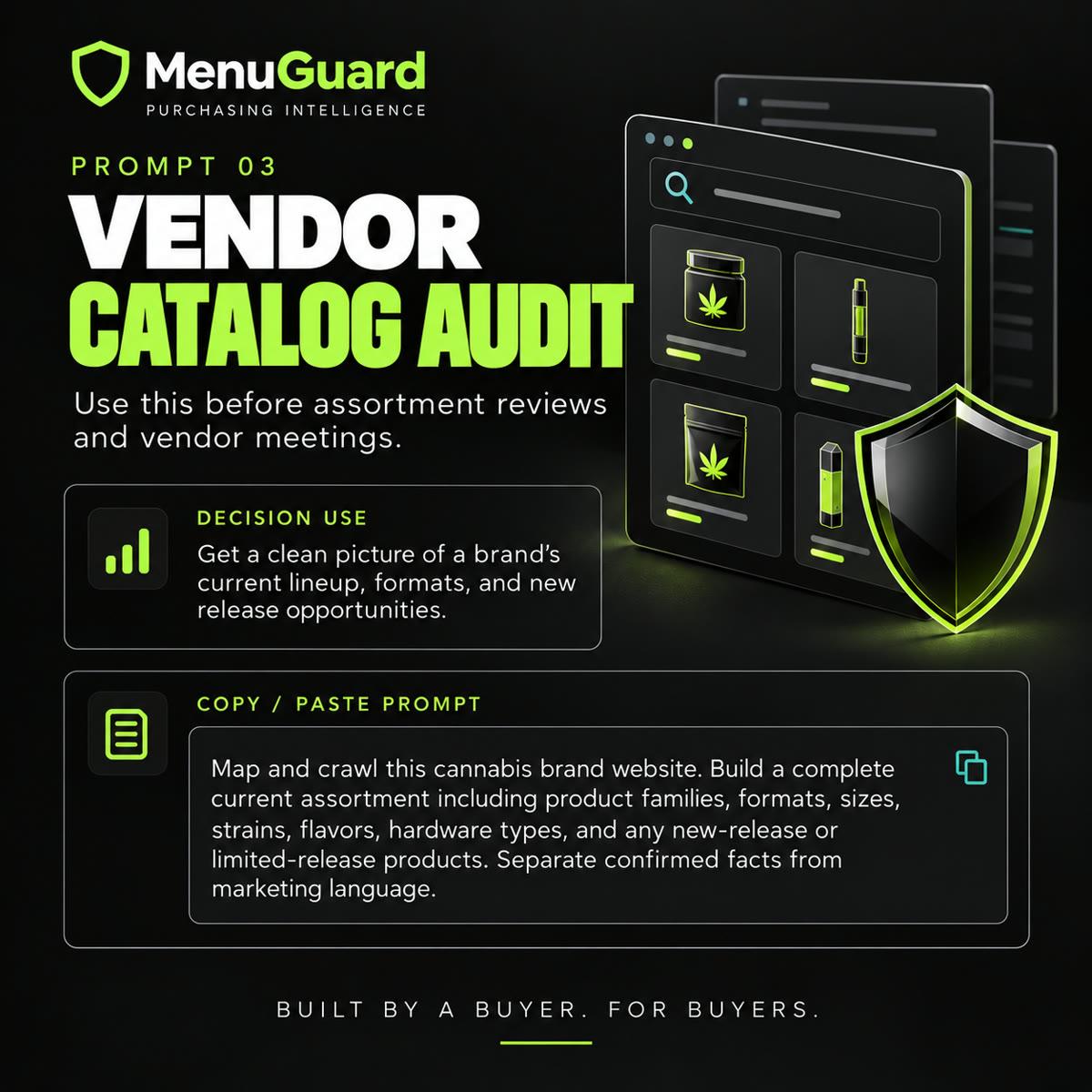
Vendor Catalog Audit
You don’t need to wait for the pitch deck to understand the opportunity.
Use this before assortment reviews and vendor meetings.
Decision use
Get a clean picture of a brand’s current lineup, formats, and new-release opportunities.
Map and crawl this cannabis brand website. Build a complete current assortment including product families, formats, sizes, strains, flavors, hardware types, and any new-release or limited-release products. Separate confirmed facts from marketing language.
Price Change Monitor
You don’t need more alerts. You need better ones.
Use this to track meaningful competitor pricing changes automatically.
Decision use
Stay on top of price moves, discounts, and availability changes without checking menus manually.
Monitor this menu for changes to regular price, sale price, discount percentage, availability, or promotional language. Ignore cosmetic page changes. Alert only when a commercially meaningful change occurs and include the exact product and before / after values.

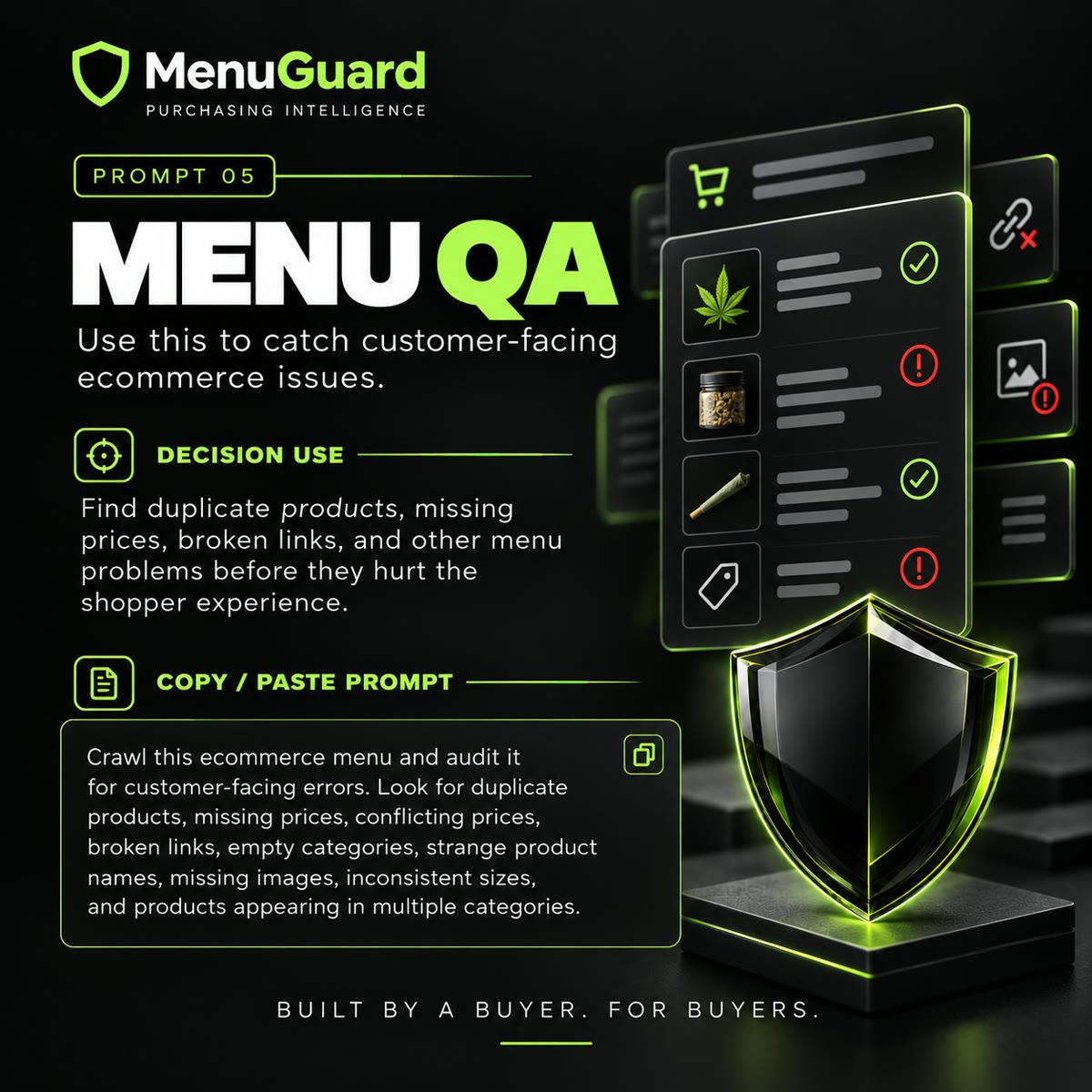
Menu QA
Catch the issue before the customer does.
Use this to catch customer-facing ecommerce issues.
Decision use
Find duplicate products, missing prices, broken links, and other menu problems before they hurt the shopper experience.
Crawl this ecommerce menu and audit it for customer-facing errors. Look for duplicate products, missing prices, conflicting prices, broken links, empty categories, strange product names, missing images, inconsistent sizes, products appearing in multiple categories, and items marked unavailable that still appear purchasable.
Method
The buyer workflow
01
Collect
Crawl, monitor, or scan to gather the external facts.
02
Normalize
Clean names, sizes, categories, pricing, and availability.
03
Compare
Bring in your catalog, sales, inventory, POs, margin, and age.
04
Decide
You evaluate the tradeoffs and make the purchasing decision.
05
Monitor
Keep watching the parts of the market that can change your next move.
Facts first. Assumptions labeled. Missing data stays missing.